
01
Bring your footage
Create an account and upload a browser-playable video up to 15 minutes long. Your project is saved to your account.
From idea to export
Upload your source, review AI captions, shape your edit and export for your audience.
A simpler workflow
Create an account and upload a browser-playable video up to 15 minutes long. Your project is saved to your account.
Generate captions, review the words and timing, then trim, add clips, translate, style and reframe.
Export a captioned MP4 or WebM, depending on browser support. Download SRT when you need a separate subtitle file.
From raw footage to ready to share
A timeline, your footage, and captions that feel like you. All in your browser.
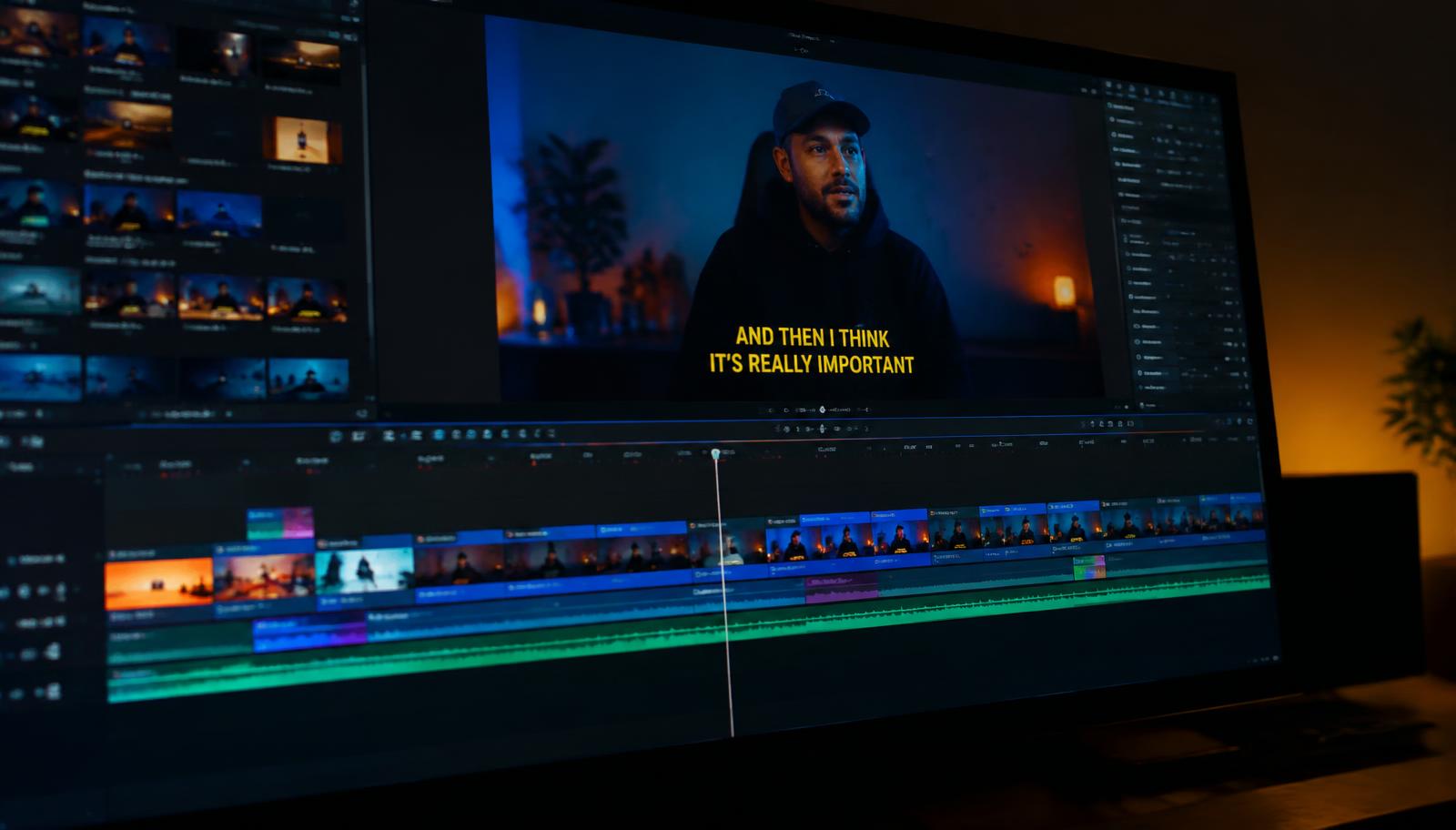
01 / Import
Your clips, ready for the timeline.
02 / Create
Timed captions, cuts and your own style.
03 / Export
Captioned video + a separate SRT file.
Good questions. Clear answers.
Still have something on your mind?
Talk to usYour next video is waiting