
Aitoolora / Video tools
AI Shorts Generator
Make a short vertical video from footage you have permission to use. Select your source, choose a clip range and prepare a captioned 9:16 export without installing an editor.
Browser export uses your device and existing plan limits. Automatic bulk highlight generation is not enabled. Optional provider rendering requires separate approval; it is not necessary for browser export. Uploaded codec compatibility depends on your browser.
From your input to a finished video
- 01
Sign in and upload an authorized MP4, MOV or WebM source.
- 02
Select the beginning and end of your short clip.
- 03
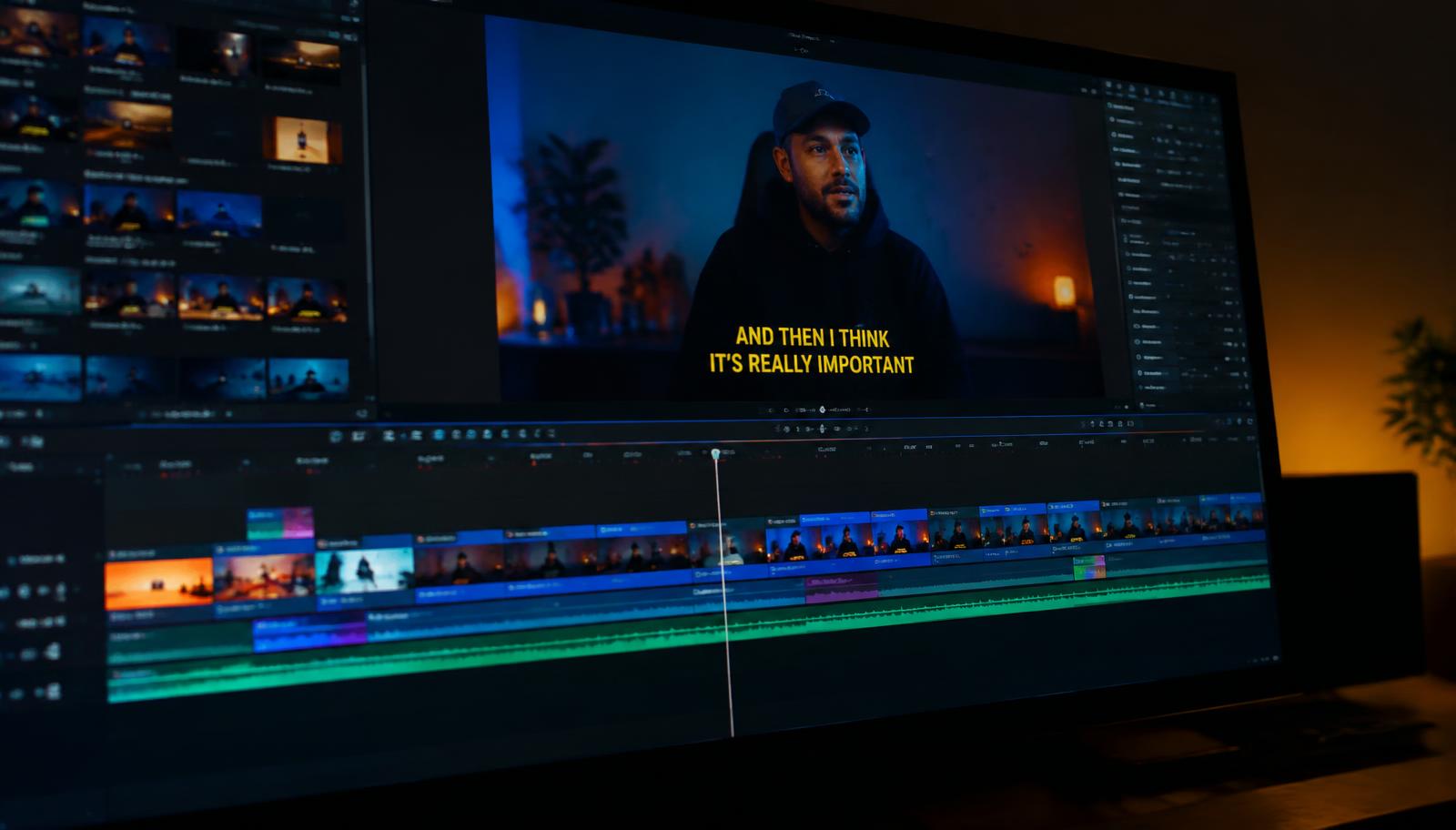
Choose vertical framing and use the editor to prepare or correct captions.
- 04
Preview and download a browser-rendered MP4 where your device supports it.
Before you create
Does it automatically find viral moments?
No viral outcome is promised. The current browser workflow lets you choose your own clip range; automatic batch generation remains disabled.
Can I add subtitles to YouTube Shorts?
Yes. Prepare captions in the existing editor, review them, and use a 9:16 output for your short video. Upload the exported file to your platform yourself.
Does browser export call a paid rendering provider?
No. Browser Shorts export uses the existing local video renderer, not Shotstack. Account and subtitle allowances still apply.
Projects use private account storage. Privacy details · Plans and allowances · Editing workflow