
Aitoolora / Video tools
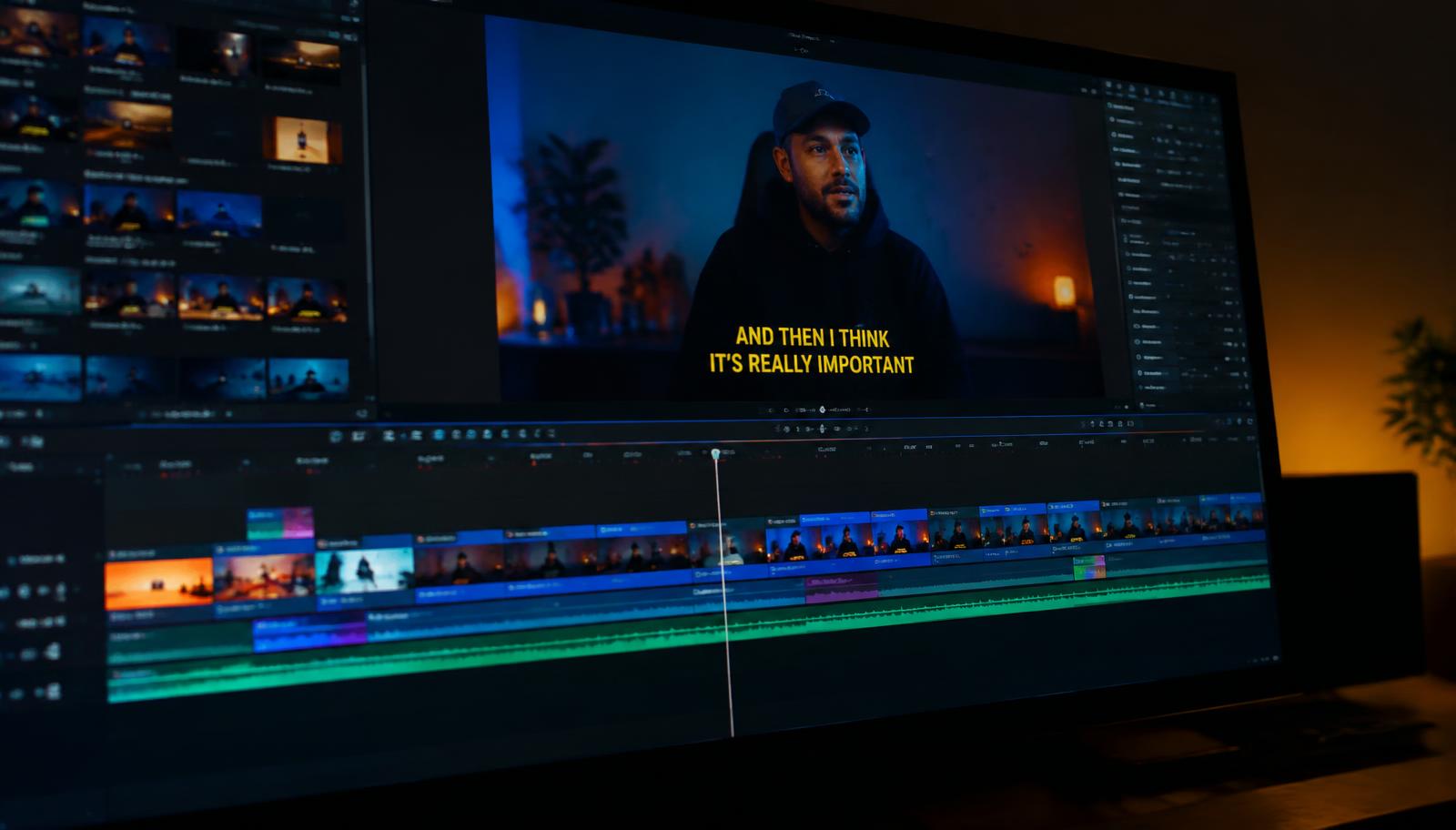
AI Video Captions & Animated Subtitles
Turn spoken audio into editable subtitles, then choose how those words appear in your video. Aitoolora combines caption text, timing, translation and browser-based editing in one workflow.
AI transcription can make mistakes. Word timing may be estimated unless you supply explicit timing; review it before publishing. Free exports include a watermark and are limited to 720p. Large exports work best in modern desktop Chrome or Edge.
From your input to a finished video
- 01
Upload a browser-playable video after signing in.
- 02
Generate subtitles, then review names, numbers and timing.
- 03
Choose bold, karaoke or bouncing caption styles and adjust word groups.
- 04
Export your captioned video, or download a separate SRT subtitle file.
Before you create
Are these social-media post captions?
No. These are timed subtitles displayed over a video, not captions written underneath a social post.
Can I change karaoke caption timing?
Yes. Edit the words and segment timing, and review estimated word timing. Caption animation and timing are shared between preview and browser export.
Can I translate the subtitles?
Subtitle translation supports 16 available languages. Review translated meaning before sharing.
Projects use private account storage. Privacy details · Plans and allowances · Editing workflow