
Aitoolora / Video tools
Script-to-Video Generator
Build an illustrated video from a written script or an idea. Aitoolora combines AI-generated still scenes, animated movement, narration and captions, with a scene timeline you can review before export.
General generation quotas are awaiting configuration approval; access depends on the current account allowance. Output uses illustrated still scenes with animated movement, not fully generated moving-action footage. Word timing is estimated. Paid AI music requires its own cost confirmation.
From your input to a finished video
- 01
Sign in and enter a script or video idea.
- 02
Choose duration, framing, visual style and narration settings.
- 03
Approve AI usage within your configured allowance, then review the generated scenes.
- 04
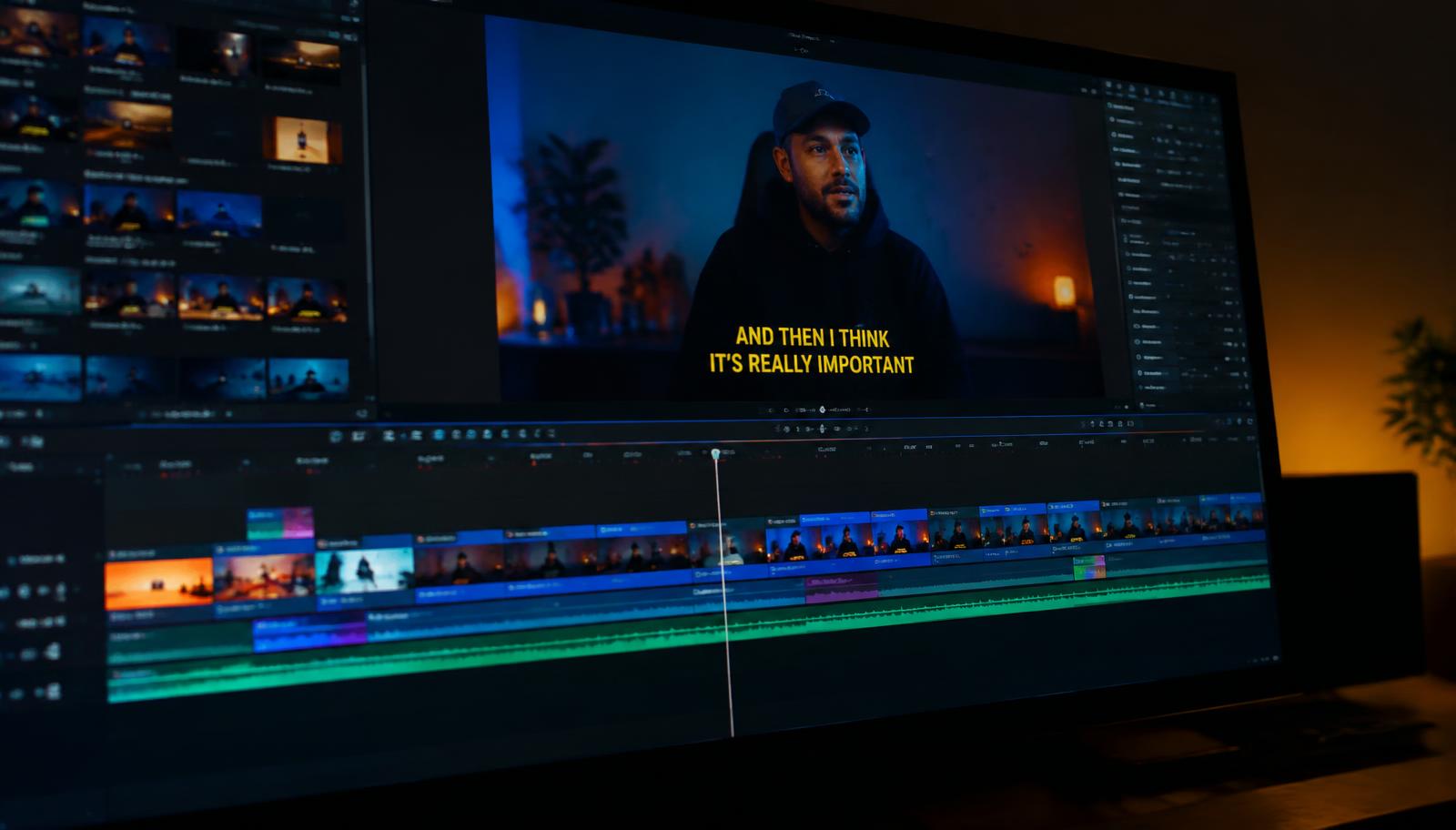
Edit captions, replace scene images or adjust durations before rendering MP4.
Before you create
Is this text-to-video or a video editor?
It is an illustrated script-to-video workflow with editable scenes. For existing footage, use the video editor or Shorts tool instead.
Can I create faceless videos with narration?
The scene-and-narration workflow does not require filming yourself. Only use scripts and assets you have permission to publish. Generation remains allowance- and approval-gated.
Can I add background music?
The tool supports an original browser instrumental preview and optional approved AI music. Preview and review the mix before exporting; paid music is not generated automatically.
Projects use private account storage. Privacy details · Plans and allowances · Editing workflow